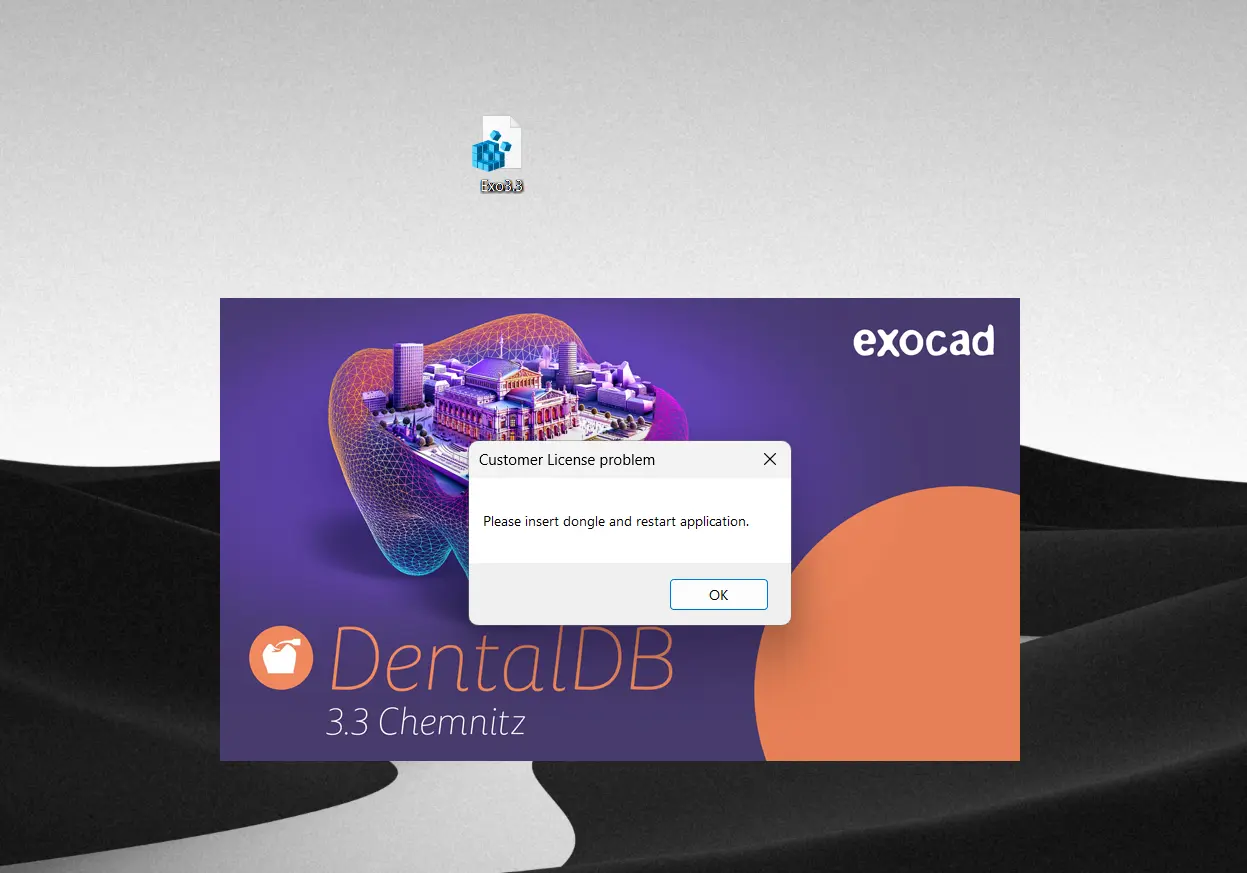
ExoCAD 3.3 Chemnitz 9512 + PartialCAD 3.3.665 - DLL
revolutionizes digital dentistry with cutting-edge software that enhances precision and workflow.
The seamless integration of ExoCAD offers advanced design capabilities, while PartialCAD optimizes partial denture creation with unmatched accuracy.
This dynamic duo allows for intuitive user interfaces, ensuring even complex restorations are efficiently completed.
The DLL functionality amplifies performance, enabling smooth customizations and automation tailored to professional needs.
Together, they set a new standard for dental CAD systems, merging innovation with excellence in every design.
Each premium member can only have one key
Lifetime account holders can get five
Install
Run it
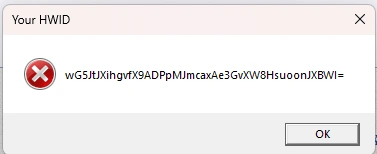
Post Hardware ID
Run the program as administrator, and when a window like this appears, press Enter to copy the ID.
This tools setup Exocad enviroments correctly
Download
🔒 Go Premium to Unlock
4.43GB
Download
🔒 Go Premium to Unlock
revolutionizes digital dentistry with cutting-edge software that enhances precision and workflow.
The seamless integration of ExoCAD offers advanced design capabilities, while PartialCAD optimizes partial denture creation with unmatched accuracy.
This dynamic duo allows for intuitive user interfaces, ensuring even complex restorations are efficiently completed.
The DLL functionality amplifies performance, enabling smooth customizations and automation tailored to professional needs.
Together, they set a new standard for dental CAD systems, merging innovation with excellence in every design.
Each premium member can only have one key
Lifetime account holders can get five
Install
Run it
Post Hardware ID
Run the program as administrator, and when a window like this appears, press Enter to copy the ID.
This tools setup Exocad enviroments correctly
Download
🔒 Go Premium to Unlock
4.43GB
Download
🔒 Go Premium to Unlock
Code:
If you receive an error message
(please insert the dongle and restart the application)
The solution is to install the injector version available at the link below, instead of the current version.
ExoCAD 3.3 Chemnitz 9512 + PartialCAD 3.3.665 - Injector

But you have to delete the ExoCAD 3.3 folder from drive C and extract a new one,

Because if you already pasted the DLL files it won't work, because it would be two cracks in one program
If you encounter the same problem as shown in the image
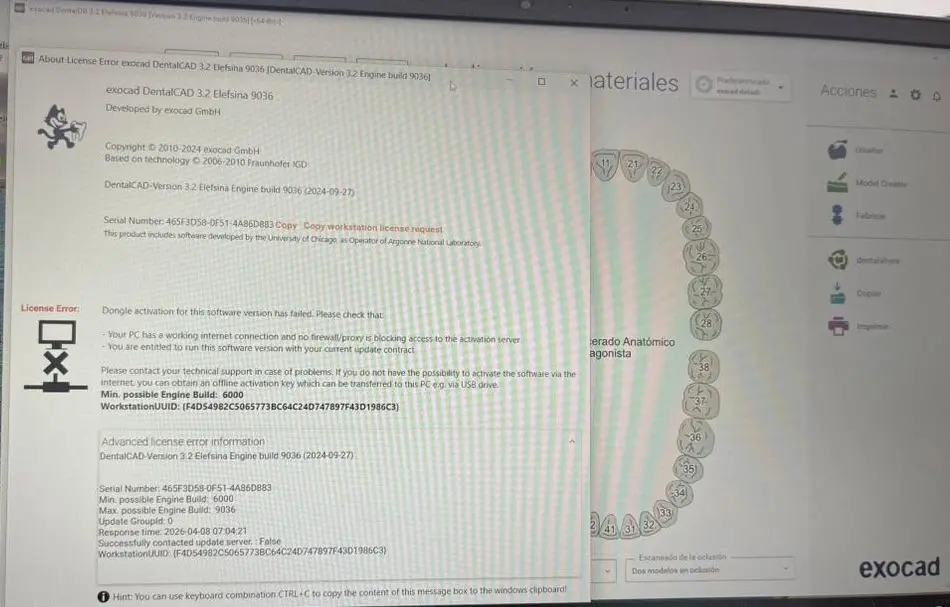
Paste attached file to this path "DentalDB/config" and replace the file; it's from the XML file, very common after installing a previous ExoCAD.