Thea render V4.0.235.157 Rh 6-9 [win]
Release Notes
Fixed:
- Fix for darkroom render button not getting enabled on save render failure
- Fix for spotlight intensity change color to blackbody
- Fixes for material previews
- Fix for full mod.thea import having wrong normal data
- Fix for material editor size getting double when closing it with nitro texture panel open
- Fix for interactive updates to environment tab not going through sometimes
- Fix for environment textures sometimes getting overwritten with other textures during interactive rendering
- Fix for copying/pasting from medium color selectors to other sections(nitro material editor)
- Fix for nitro material editor crash from texture previews
- Various small ui tweaks
- Fix for loading 16-bit single-channel textures
- Fix for two point perspective camera conversion in nitro
Changed:
- Open Image Denoiser updated to version 2.3.3 to support Blackwell and RDNA3 GPUs
- Nitro editor: resetting a material now default to a light grey diffuse material
Added:
- Support for Blackwell GPUs (RTX 50xx series) for the Presto engine.
- Better self-intersection avoidance (Nitro).
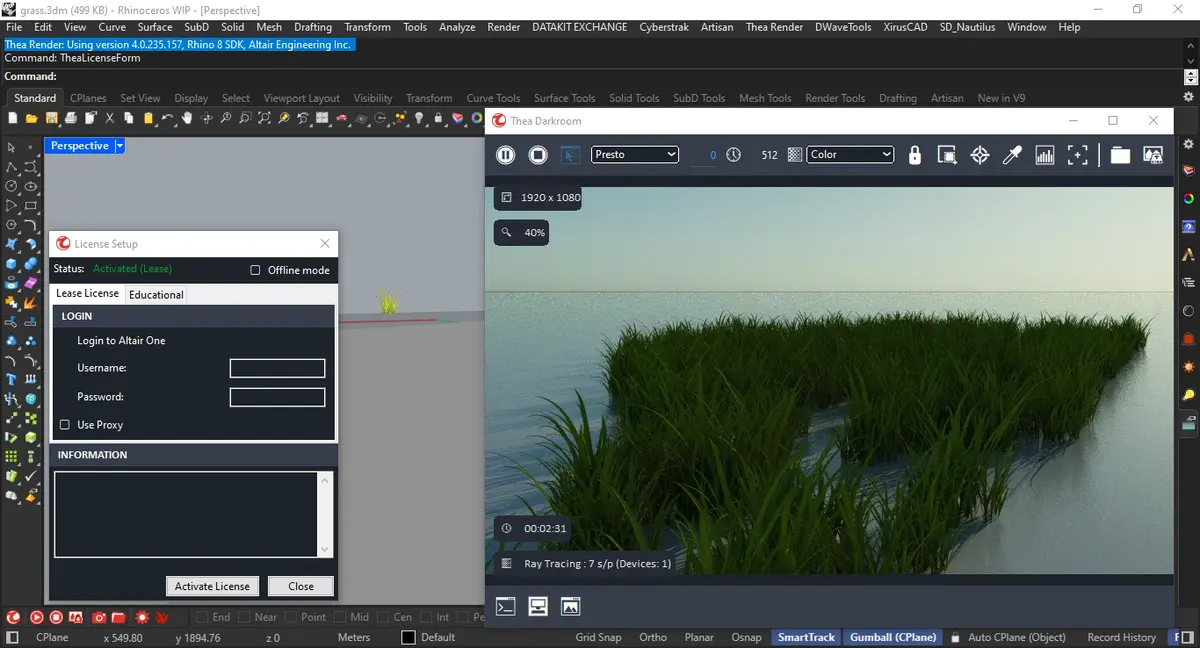
It's very simple.. Install Thea. Then open yak file 7 by rhino 7. Yak 8 by rhino 8 or 9. For rhino 6 copy files then past into Thea rhino 6 location.
For Rhino 8 you must have a last Sr 11 stable.. Download it and install then open yak 8 by Rhino 8 Sr 11.
459MB
Download
*
Release Notes
Fixed:
- Fix for darkroom render button not getting enabled on save render failure
- Fix for spotlight intensity change color to blackbody
- Fixes for material previews
- Fix for full mod.thea import having wrong normal data
- Fix for material editor size getting double when closing it with nitro texture panel open
- Fix for interactive updates to environment tab not going through sometimes
- Fix for environment textures sometimes getting overwritten with other textures during interactive rendering
- Fix for copying/pasting from medium color selectors to other sections(nitro material editor)
- Fix for nitro material editor crash from texture previews
- Various small ui tweaks
- Fix for loading 16-bit single-channel textures
- Fix for two point perspective camera conversion in nitro
Changed:
- Open Image Denoiser updated to version 2.3.3 to support Blackwell and RDNA3 GPUs
- Nitro editor: resetting a material now default to a light grey diffuse material
Added:
- Support for Blackwell GPUs (RTX 50xx series) for the Presto engine.
- Better self-intersection avoidance (Nitro).
It's very simple.. Install Thea. Then open yak file 7 by rhino 7. Yak 8 by rhino 8 or 9. For rhino 6 copy files then past into Thea rhino 6 location.
For Rhino 8 you must have a last Sr 11 stable.. Download it and install then open yak 8 by Rhino 8 Sr 11.
459MB
Download
*