كتالوج قطع غيار سيارات كيا لشهر 11/2015
Microcat KIA 2015-11

Year / Release Date: 2015-11
Version: 2015.11.0.1
Developer: Infomedia Ltd
Site Developer: Infomedia Ltd - KIA
Language: Multilingual
Operating System: Windows XP / Vista x32 / 7 x32 not compatible with x64 OS
Medicine: Present
Description: Electronic parts catalog KIA.
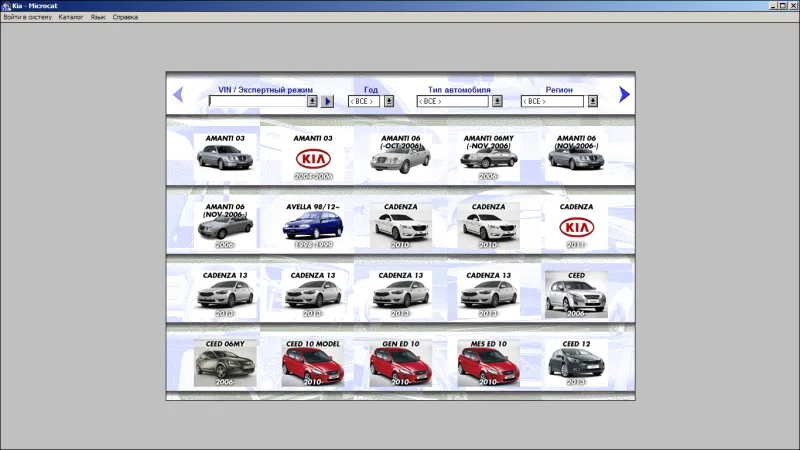
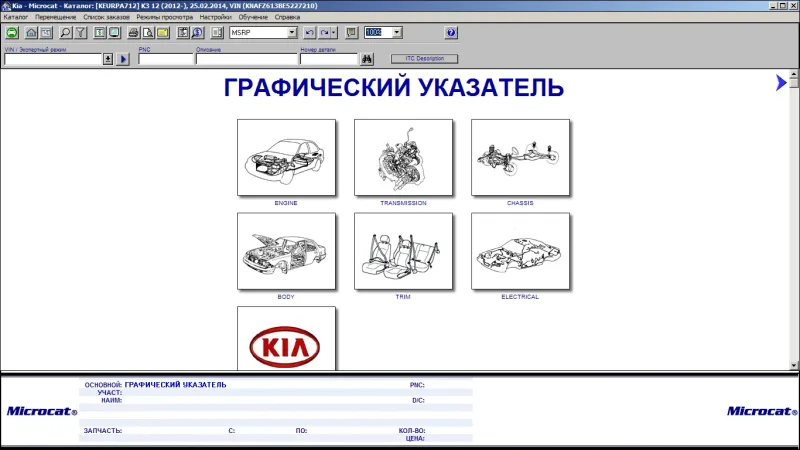
All models produced and / or unreleased KIA Motors, except for vehicles intended for the domestic Korean market (eg, Rhino), the model divided into groups (cars, jeeps / vans / minivans, commercial) and by region. The catalog can identify the vehicle by VIN (with filtering part numbers), search by name parts (partial or complete), original number, and also shows the applicability of parts. There is a list of options with details to facilitate selection of the desired number in the absence of VIN-filter.
The choice of language is possible to separate the interface, and separately for items of spare parts
Extras. Information: Translation of names of spare parts are not always correct, so it is configured to include "language names of spare parts" - english. Built-in directory of original accessories, present in some of the previous versions presented here are not for all models.
About Microcat V6: Available in the hand "appendage" - Microcat V6 - is optional, because no dealer login and password it still does not work. How to give up his installation - see. Installation procedure
PHP Code:
1. Mount image with Daemon Tools (or any other application you are using) and run setup.exe. Follow the prompts on the screen:Type of installation - Full installationSelect your country to your liking (recommended USA)On the screen with the region said all regionsOn the screen with the choice of models - Passenger + R / V + CommercialOn the screen with a selection list of mounted models, there is an item "Microcat V6". Here, if it is not needed, it is necessary to squeeze the tick.Thereby setting the directory.2. Run "DeMoN \ KIA 2015-11 Addons by DeMoN.exe" and specify the drive where there is Microcat KIA, to deploy the missing program files. If you will be prompted to overwrite files - enable recycling. The need for this item due to the fact that, due to "complicated" to protect the installer program does not install the software portion, and then extract the files to the target folder overwrites part.3. Check for MG16.DLL in the \ Windows \ System32, delete if there is to restart your computer4. Use label creation on the desktop5. The first time you must create a user directory through the [Management]
rename .EXE, to run and to specify the drive where the folder is located KIA_Data
6.67GB
تورنت بالمرفقات