كتالوج قطع غيار سوزوكي
لائحة كاملة من قطع الغيار الأصلية وقطع الغيار لجميع الموديلات من المعدات سوزوكي لديه كل الأسواق باستثناء اليابان.
يحتوي على معلومات مفصلة حول قطع الغيار وإدارة مفصلة لقطع الغيار والمواصفات الفنية لجميع الموديلات من سوزوكي.
يسمح لك للبحث عن أجزاء من نموذج، الرقم المسلسل، حسب الحجم، بالاسم، الخ
ويساعد على تحديد المشاكل القائمة والمحتملة، لتنفيذ مجالات المشاكل والصيانة والأعطال في معدات سوزوكي.
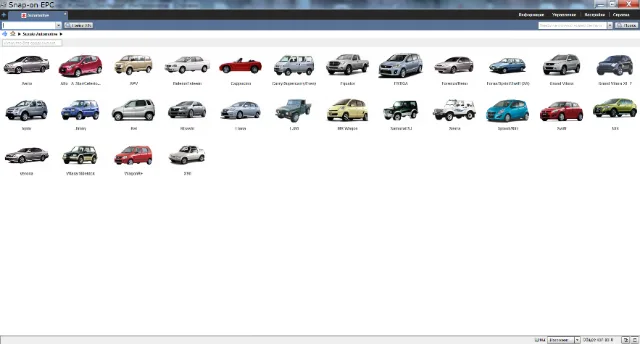
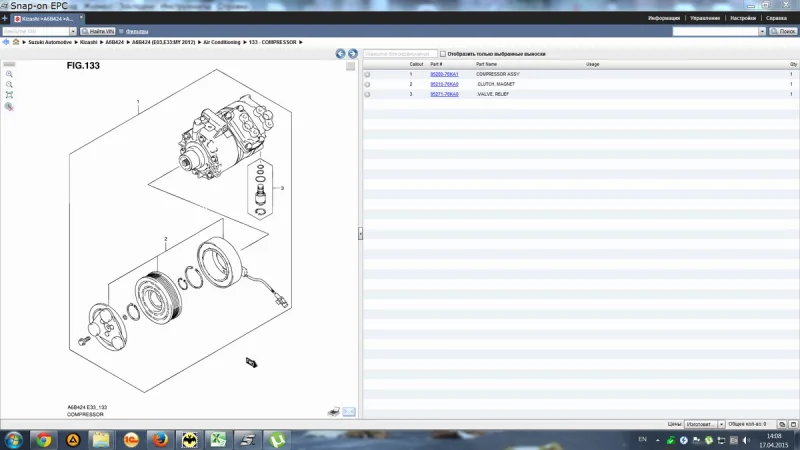
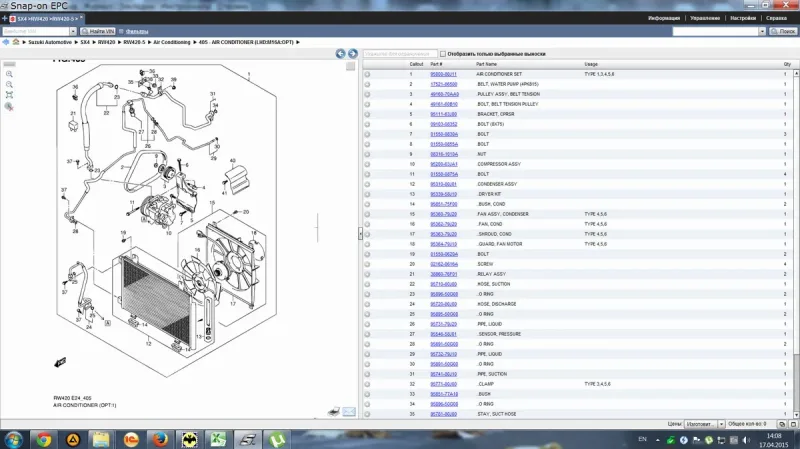
Suzuki Worldwide Automotive EPC5 2014-02 v2.1.5.0
Year / Release Date: 2014
Version: 2.1.5.0
Developer: Snap-On
Language: Multilingual (Russian present)
Medicine: Present (Keygen 2.30)
Description: Suzuki Worldwide EPC5 2013 is a complete catalog of original spare parts and parts for all models of equipment Suzuki has all markets except Japan.
Parts catalog Suzuki Worldwide EPC5 2013 contains detailed information on spare parts, detailed management of spare parts, spare parts book, technical specifications for all models of equipment Suzuki.
The use of the program in 2013 Suzuki Worldwide EPC5 quite simple and easy even for inexperienced users, because it allows you to search for parts by model, serial number, by size, by name, etc.
Electronic Catalogue Suzuki Worldwide EPC5 2013 makes it easier to search for specific parts dealer technology Suzuki, because it contains clear information about the products Suzuki, and helps to identify existing and potential problems, to carry out maintenance problem areas and equipment malfunctions Suzuki.
Electronic parts catalog Suzuki Worldwide EPC5 2013 supports English and comes on 2 DVD
PHP Code:
1. Run the setup from the root drive.2. After installation, run the license manager (License Manager) from the Start-All Programs-Snap-On EPC. The first time you will be prompted to dealer code (EAC), enter 12345 (I think perhaps any). Press "Enter license" looking machine ID.3. Run the keygen (Manager) from the appropriate folders and data are preparing to enter the license: ID input from the license manager machine, the date usually is automatic (at startup) for the year, include a checkbox "Temporary License" (Temporary license), generate a Signature. Before generation should be checked only for "Suzuki EPC5 Automotive DATA" tab on SMC (you can simply press the "Only Suzuki EPC5 Automotive DATA"). Incidentally, when we put a tick "temporary license", ID of the machine registers ANY. Personally, I do not know if you can add a license with this ID.4. The resulting code Signature Manager to copy the license signature, select from the following options only "Suzuki EPC5 Automotive DATA", set up the start and end date of the license, add a license.5. Enjoy